POHODA and Money S3 Mobile Terminal: Which Device to Order
You run POHODA or Money S3, stock-taking still happens on paper, and someone has to type the counts back in. A mobile terminal fixes that, but only if the device suits the warehouse app that sits between it and your accounting system. This guide matches a POHODA or Money S3 mobile terminal to the way your data actually travels, so you order the right device the first time.
Which mobile terminal should I order for POHODA or Money S3?
Start with the situation, not the brand. All of the devices below run Android with Google Mobile Services, so the warehouse apps used with POHODA and Money S3 install from Google Play or as an APK.
| Your situation | Order this | Why |
|---|---|---|
| Shop or small warehouse, Wi-Fi coverage, stock-taking and goods receipt | Zebra TC22, WLMT0-T22B6ABC2-A6 | 6" screen, SE4710 2D imager, Wi-Fi 6, IP68, swappable battery. The safe default. |
| Tighter budget, light daily use, same Wi-Fi setup | Datalogic Memor 11, 944900001 | 5" screen, 2D imager, Wi-Fi 5, swappable 4100 mAh battery. Semi-rugged, so keep it indoors. |
| Scan-heavy receiving, pallets and high racking | CipherLab RK95, AK95786N3NPG1 | Pistol grip, extended-range 2D imager, 38-key keypad, 6000 mAh battery, 1.8 m drop rating. |
| Van deliveries or several sites, sync over mobile data | CipherLab RS36, AS36E4AF4EUG1 | 4G LTE with GPS, SE5500 advanced-range imager, IP65/IP68. |
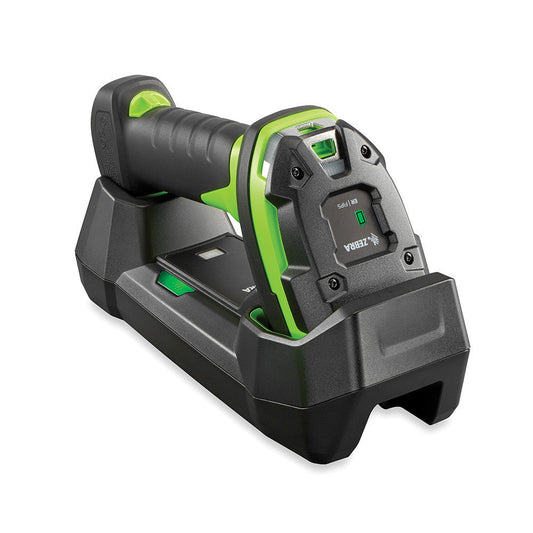
| You already use Android phones and only need faster scanning | Zebra DS2278, DS2278-SR00007ZZWW | Cordless 2D scanner that pairs with a phone over Bluetooth as a keyboard. The cheapest route that still scans properly. |
How does a mobile terminal talk to POHODA or Money S3?
Neither accounting system runs on the terminal itself. A warehouse app runs on the Android device, collects scans and quantities, and hands finished documents (receipts, issues, transfers, stock-take counts) to the accounting system on the office PC or server. The app you choose decides the connection, and the connection decides what the hardware needs.
| Route | Accounting system | What it needs | What it means for the hardware |
|---|---|---|---|
| MODO | Money S3 | Money S3 XML DE Profi licence, set up by an implementation partner. Optional S3 Automatic for scheduled transfers. | Android 4.4 or later. Syncs when the user presses Synchronise, over Wi-Fi or GSM. |
| Capri Scan | Money S3 | Money S3 licence with the API module, two API keys, set up by Prins Software. | Android. Works online or offline and syncs in the background when the connection returns. |
| Apps built on mServer | POHODA | mServer, the XML interface that is part of POHODA, running on the Windows machine that holds the data. | The terminal must reach that Windows machine, so plan your Wi-Fi or VPN before you plan the device. |
| mKasa | POHODA | POHODA with mKasa for till sales. | Android, iOS or Windows 10 and 11. Barcode readers work in keyboard mode over USB or Bluetooth. |
Money publishes the MODO implementation price as 8 000 CZK per device with no monthly connection fee, and Capri Scan starts at 1 860 CZK per month excluding VAT. Check the MODO and Money S3 integration page for current terms before you budget.
What does the scanner setting on the terminal have to be?
This is where most rollouts stall. The built-in scan engine has to deliver the barcode to the app in a form the app expects. There are two ways.
- Keyboard wedge. The terminal types the barcode into whichever field has focus, usually followed by Enter. Almost every warehouse app accepts this. On Zebra it is configured in DataWedge, which is preinstalled. On CipherLab it is ReaderConfig. On Datalogic it sits in the built-in scanner settings.
- Intent or SDK. The app receives the scan directly from the scanning service, without a text field. Faster and cleaner, but only if the app developer wrote support for that brand.
Ask the app vendor one question before ordering: "Do you support keyboard input, or do you need the scanner SDK for a particular brand?" If the answer is keyboard input, every terminal in the table above will work. If the answer names a brand, buy that brand.
Two settings fix most early complaints. First, set the suffix to Enter (or Tab) so the app moves to the quantity field after each scan. Second, switch off symbologies you do not use. A terminal that also tries to read every 1D variant is slower and occasionally misreads short codes on shelf edges.
Do I need a 2D imager for POHODA and Money S3 stock-taking?
For new purchases, yes. EAN-13 is still the code on most goods, but GS1 is moving retail towards 2D codes such as QR with GS1 Digital Link and GS1 DataMatrix, and suppliers already print DataMatrix on many pharmaceutical, cosmetic and food products. A 2D imager reads both. All the terminals in our decision table have one.
The trade-off: some keypad terminals are still sold with 1D linear engines because they are cheaper and very fast on pallet labels. A 1D model will not read QR or DataMatrix at all. If you are tempted by one, check the configuration code before ordering, not after the first delivery note with a DataMatrix arrives.
Wi-Fi only or LTE?
Inside one building with decent Wi-Fi, take the Wi-Fi model. It is cheaper, has no SIM to manage and is fine for MODO's button sync or a mServer connection. Choose LTE when the device leaves the building: van stock, deliveries to customers, or several shops that share one Money S3 or POHODA database. Capri Scan's offline mode helps in patchy areas, but someone still has to sync before the documents reach the office, and LTE makes that happen on the road rather than back at the depot.
For POHODA through mServer, the terminal needs a route to the Windows PC that runs it. In one warehouse that is the local network. Across sites it means a VPN, and that is an IT task to finish before the terminals arrive.
Android version: what should I check?
MODO asks for Android 4.4 or later, so any current terminal clears that bar. The real question is how long the device will keep receiving security updates, because a warehouse app that holds stock and price data should not run on an unpatched OS for five years. Compare the Android version each model ships with and the maker's update commitment. As an example, the RK95 configuration in our table ships with Android 9: that is fine for a closed Wi-Fi warehouse running one app, and a reason to choose a newer model if the device will sit on a shared network or browse the internet.
When is a phone plus a Bluetooth scanner enough?
For a small shop that counts stock twice a year, an Android phone running MODO or a mServer-based app plus a Bluetooth scanner in keyboard mode is a sensible setup. Phones are poor at scanning shelf after shelf with the camera, and a dedicated scanner fixes that for far less than a terminal costs. The limits are battery life, drops onto concrete and the fact that the phone also belongs to someone. Once one person scans for more than an hour a day, a terminal pays for itself in fewer drops and fewer dead batteries.
For mKasa at the till, POHODA lists readers that behave as a keyboard over USB or Bluetooth on Android and iOS, and USB-HID readers on Windows. A cordless scanner in HID mode fits both.
Common questions
Can I use one terminal for both POHODA and Money S3?
The hardware does not care. You would install two different warehouse apps, each tied to its own accounting system. In practice a company runs one system, so this only matters for accountancy firms or groups mid-migration.
Does POHODA mServer run on the terminal?
No. mServer runs on the Windows machine with POHODA. The app on the terminal sends XML requests to it over the network.
Do I need Google Mobile Services?
If the app is published on Google Play, GMS makes installation and updates simple. All the terminals we recommend here ship with GMS. Without GMS you install the APK manually or through device management software.
What do I need besides the terminal?
A charging cradle for each shift pattern, a spare battery if one person works a full day, and a hand strap or holster. Keypad devices often benefit from a multi-slot battery charger.
Will the terminal print labels?
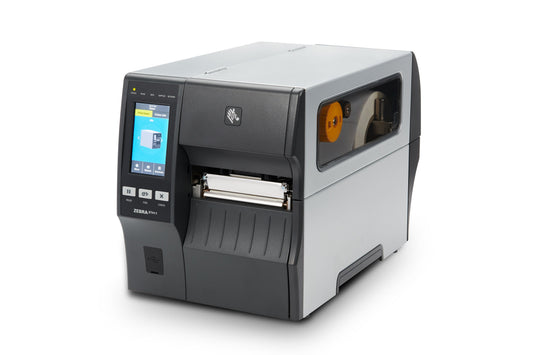
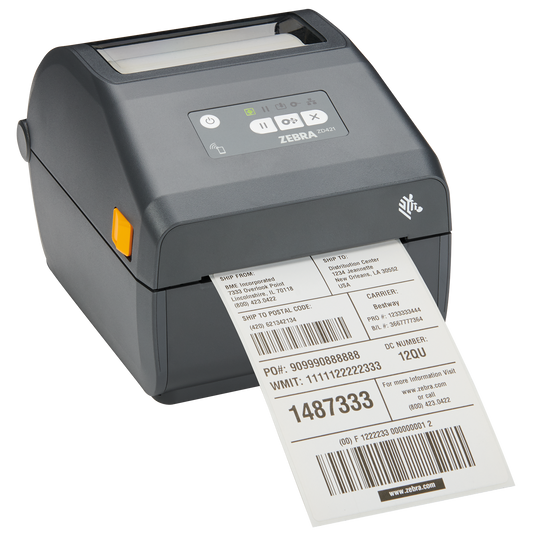
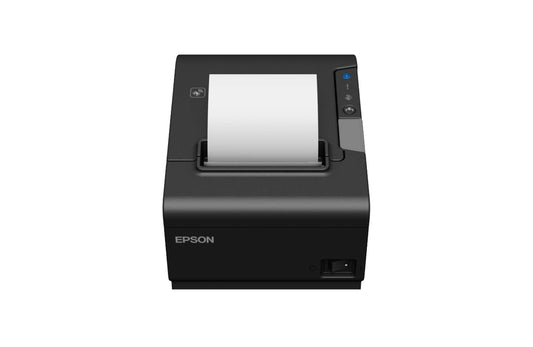
Not by itself. Most warehouse apps can send a print job to a networked label printer, which is useful for relabelling goods during receipt. Confirm label support with the app vendor.
Where to go next
Compare every Android device we stock in the mobile terminals range, and add cradles, batteries and straps from mobile terminal accessories. If receiving means relabelling, pick matching rolls from our labels range. Agree the app and the connection first, then order the device that fits it.
Tags:
Previous
CLP Label Printer Checklist: New Font Rules From 2027
Next
Windows 10 Rugged Laptop Replacement: What to Order Now