Comarch Optima Barcode Scanner and Label Printer Guide
Comarch ERP Optima, Subiekt nexo and enova365 each publish a list of supported external devices, and every one of those lists is mostly cash registers and fiscal printers. None of them tells you which barcode scanner to put on the counter, which label printer will actually print your product labels, or whether the Android terminal you were quoted will talk to the system at all. So people buy a 1D scanner and then find that half their supplier labels carry GS1 DataMatrix, or buy a label printer and then discover the label design has to come from a partner add-on nobody mentioned.
This guide covers the three systems most Polish small and mid-sized businesses run: Comarch ERP Optima, Subiekt nexo (Insert) and enova365. The advice below is based on what each system actually requires.
Start here: which device for which situation
| Your situation | Order this |
|---|---|
| Shop counter, own EAN labels only, tight budget | Newland HR11 Aringa (NLS-HR1150P-30), 1D CCD, USB, 38.79 EUR |
| Shop counter, mixed supplier labels, needs to last | Honeywell Voyager 1470g (1470G2D-2USB-EU), 2D imager, USB, 78.35 EUR |
| Goods-in desk, scanning off screens and couriers' 2D labels | Datalogic Gryphon GD4620 (GD4620-BKK1-HD), high-density 2D, USB, 189.19 EUR |
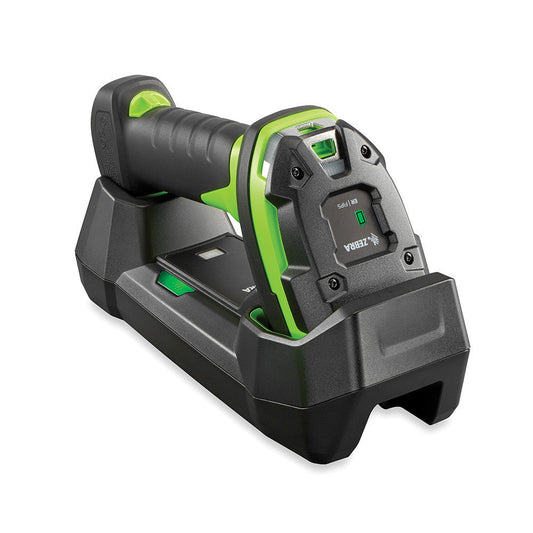
| Warehouse aisle, operator walks away from the PC | Honeywell Voyager 1472g (1472G2D-2USB-5-R), cordless 2D Bluetooth, 188.30 EUR |
| Heavy daily use, thousands of scans per shift | Honeywell Xenon Ultra 1960g (1960GSR-2USB-R), 2D, USB, 316.89 EUR |
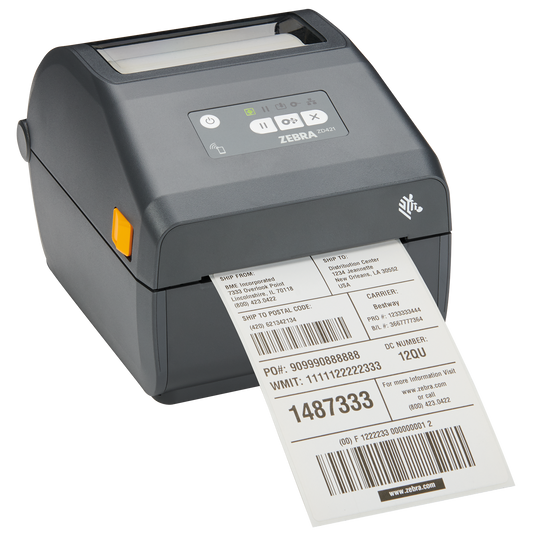
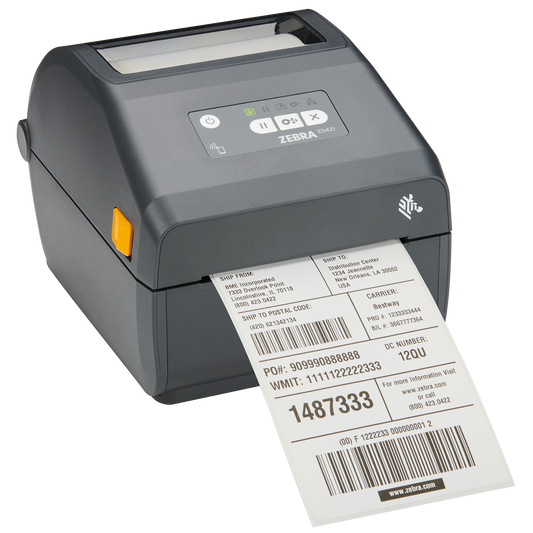
| Product and shelf labels, direct thermal only | Zebra ZD421d (ZD4A042-D0EX02EZ), 203 dpi, USB, Bluetooth, Wi-Fi |
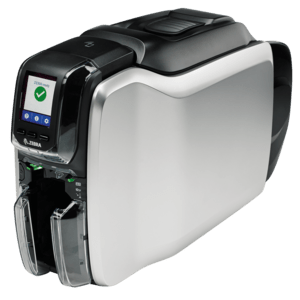
| Labels that must survive months on a shelf or in a fridge | Zebra ZD421t (ZD4A042-30EX02EZ), thermal transfer, needs a ribbon |
| Low-volume label printing, smallest sensible budget | TSC TE210 (99-065A301-00LF00), 203 dpi, USB |
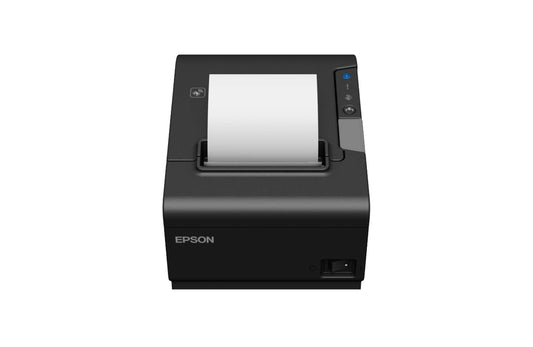
| Receipts at a POS station next to a fiscal printer | Epson TM-T88VII (C31CJ57112), 80 mm thermal |
Which barcode scanner works with Comarch Optima, Subiekt nexo and enova365?
All three accept the same class of device, and the requirement is lower than most buyers expect. Comarch's own documentation states that Optima works with any barcode scanner that emulates a keyboard, meaning it can be connected in place of, or alongside, the keyboard. Insert lists barcode scanners for Subiekt nexo simply as "keyboard and USB" devices. enova365 reads scanned input into the same fields a user would type into.
In practice that means one setting: USB-HID keyboard emulation, the factory default on every scanner listed above. You do not need a driver, a COM port or a vendor integration. If someone quotes you a "certified for Optima" scanner at a premium, ask what the certificate covers, because no such certification programme exists for keyboard-emulation readers.
Two details do matter and are where most installations go wrong:
- The suffix. The scanner must send Enter (carriage return) after the code, otherwise the code lands in the field and nothing happens. Every scanner above ships with a CR suffix by default, but if a previous owner reconfigured it, scan the "Add CR suffix" barcode from the configuration guide.
- The keyboard layout. A scanner set to a US layout while Windows is set to Polish will mangle codes containing letters. Set the scanner's country keyboard to Polish, or use a layout-independent mode where the manufacturer offers one. Numeric EAN-13 codes hide the problem until you scan your first alphanumeric internal code.
On the database side, Optima matches on the EAN field of the product card. If a product has no EAN, Optima can generate one for you through the auto-numbering and EAN settings in the trade configuration. Codes must be unique across the database. Duplicates are the single most common cause of "the scanner does not work" tickets that turn out to be a data problem.
1D or 2D: what actually decides it now
A 1D reader is still perfectly adequate for one job: scanning EAN-13 codes on your own products at a counter. That is a real scenario, and the honest answer is that a 38.79 EUR Newland HR11 will do it for years.
Everything else now points at 2D. Courier labels from InPost, DPD and DHL carry 2D symbols, supplier labels increasingly carry GS1 DataMatrix, and the GS1 Sunrise 2027 programme is moving retail packaging to 2D as well. Staff also scan codes off phone and monitor screens, which a laser reader cannot do reliably. The price gap is now about 40 EUR, which no longer justifies a 1D purchase for a business that receives goods from anyone else.
| Reader | Engine | Interface | Sealing | Best for |
|---|---|---|---|---|
| Newland HR11 Aringa | 1D CCD | USB, RS-232 | IP42 | Counter, own EANs only |
| Honeywell Voyager 1200g | 1D laser | USB, RS-232 | IP42 | Counter, longer reach on 1D |
| Honeywell Voyager 1470g | 2D imager | USB | IP40 | Everyday 2D workhorse |
| Datalogic Gryphon GD4620 | 2D, high density | USB | IP52 | Small, dense codes and screens |
| Honeywell Voyager 1472g | 2D imager | Bluetooth, USB base | IP42 | Operator leaves the desk |
| Honeywell Xenon Ultra 1960g | 2D | USB, RS-232 | Industrial build | High-volume shifts |
Label printing: this is where the three systems differ
Scanning is nearly identical across all three. Label printing is not, and this is the part worth checking before you buy.
Comarch ERP Optima prints product and warehouse-document labels out of the box through a standard Windows driver, so any desktop printer above works and you design the label inside Optima. Subiekt nexo takes a different route: label printing beyond the basics is commonly handled by a partner add-on, and Insert's own partner catalogue lists dedicated label-printing solutions for Subiekt GT and Subiekt nexo. enova365 follows the same pattern, with label output supplied by a warehouse module or partner extension rather than the core product.
The practical consequence: budget for the software layer, not just the printer. A 300 EUR printer with no label designer is not a working solution, and a partner add-on licence can cost as much as the hardware.
For the printer itself, the decisions are simple:
- Direct thermal or thermal transfer. Direct thermal (the Zebra ZD421d) needs no ribbon and is right for shelf edge labels, picking labels and courier labels, all of which are read and discarded within weeks. Thermal transfer (the Zebra ZD421t) needs a ribbon but survives heat, sunlight, cold storage and abrasion. A direct thermal label left in a sunny window will be blank in a fortnight.
- 203 dpi or 300 dpi. 203 dpi is correct for text, EAN-13 and normal-sized 2D codes. Go to 300 dpi only if you print small labels with dense DataMatrix, or labels narrower than about 25 mm.
- Interface. USB is fine for one workstation. If the printer will be shared, buy the Ethernet or Wi-Fi variant now rather than adding a print server later.
The data collector question, where Subiekt nexo surprises people
This is the gap that costs the most money when it is discovered late. Insert's published device list for Subiekt nexo names specific data collectors: Elzab Collector Plus and Novitus inventory terminals in the CPT 8200 and CPT 8400 families. Those are batch stocktaking devices. They collect codes and quantities, you dock them, the counts import.
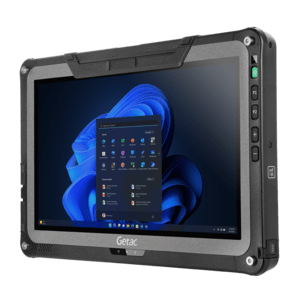
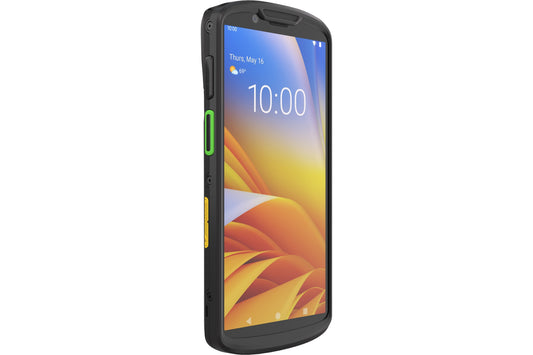
That is not the same thing as an Android handheld running live warehouse operations. A Zebra MC3400, a Datalogic Memor 11 or a CipherLab RK25 does not appear on a native supported list for any of the three systems, because the connection is made by a warehouse application layer on top, not by the ERP itself. enova365 makes this explicit: live terminal work is delivered through mobile warehouse and WMS extensions.
So decide honestly which problem you have:
- You count stock twice a year. A batch collector on the vendor's native list is the cheapest correct answer, and an Android terminal is overspending.
- You want real-time picking, receiving and stock moves. You need an Android terminal plus a warehouse layer. Budget for both, and confirm with your ERP partner which terminals their layer has been tested against before you order 20 units.
If you are going the Android route, the newer terminals are the only sensible choice in 2026, because Android security support windows now decide replacement cycles more than hardware wear does. Our mobile terminals range covers both approaches.
What about the fiscal printer and KSeF?
Two things that are commonly confused with scanning hardware, so it is worth being direct.
Fiscal devices are a separate regulated category. Online fiscal cash registers and fiscal printers come from Polish manufacturers such as Elzab, Novitus and Posnet, they are homologated by the tax authority, and we do not sell them. What we do supply is everything that sits around one: the scanner, the label printer, the receipt printer for non-fiscal documents such as kitchen orders and picking slips, the customer display and the till workstation.
KSeF is an invoicing system, not a counter system. It has applied to businesses with 2025 sales above 200 million PLN since 1 February 2026 and to all remaining businesses since 1 April 2026. It changes how your ERP issues and receives invoices. It does not change a single setting on your scanner or label printer, and any supplier telling you that you need new scanning hardware because of KSeF is selling you something.
Common questions
Do I need a specific scanner model for Comarch Optima?
No. Optima works with any scanner in keyboard emulation mode. Choose on engine type, build quality and whether you need cordless, not on a compatibility list.
Will a cheap scanner from a marketplace work?
Usually yes, on day one. The difference shows up in tolerance for damaged and low-contrast labels, in cable and trigger lifetime, and in whether configuration barcodes and firmware are still available in three years. For a single low-traffic counter the cheap option is fine. For a goods-in desk it is not.
Can one label printer serve several workstations?
Yes, with an Ethernet or Wi-Fi model shared over the network. Do not plan to share a USB-only printer through a workstation, because the first person to shut down that PC stops everyone else printing.
My scanner types codes into the wrong place or adds strange characters.
That is a keyboard layout mismatch between the scanner and Windows, or a missing CR suffix. Both are fixed by scanning two configuration barcodes from the scanner's setup guide. It is almost never a fault in the ERP.
Does Subiekt nexo support Android terminals?
Not natively. Insert's device list covers batch data collectors. Android handhelds connect through a warehouse application built on top of Subiekt, which is a separate purchase.
Do I need 300 dpi for GS1 DataMatrix?
Only if the code has to fit in a small area. A DataMatrix on a standard 58 x 40 mm label prints and scans reliably at 203 dpi. Verify with a real scan, not by eye.
Putting the stack together
For most Polish businesses on one of these three systems, the right starting order is a 2D wired scanner per counter, one networked desktop label printer, and a deliberate decision about batch stocktaking versus live terminal work. Browse the ranges in barcode scanners, label printers and POS printers, and order the matching consumables at the same time: labels for your printer's width and core, and thermal transfer ribbons if you chose a thermal transfer model. A printer without the right media in the cupboard is a printer that stops the line on a Friday afternoon.
Sources worth bookmarking: Comarch's documentation on which barcode scanners work with Comarch ERP Optima, and Insert's list of external devices supported by Subiekt nexo.
Tags:
Previous
GPSR Labelling Requirements: What to Print and On What
Next
Zebra GK420d Replacement: Which Label Printer to Order